Song IQ is now on Google Play
Song IQ is free on Google Play for phones running Android 13 or newer.
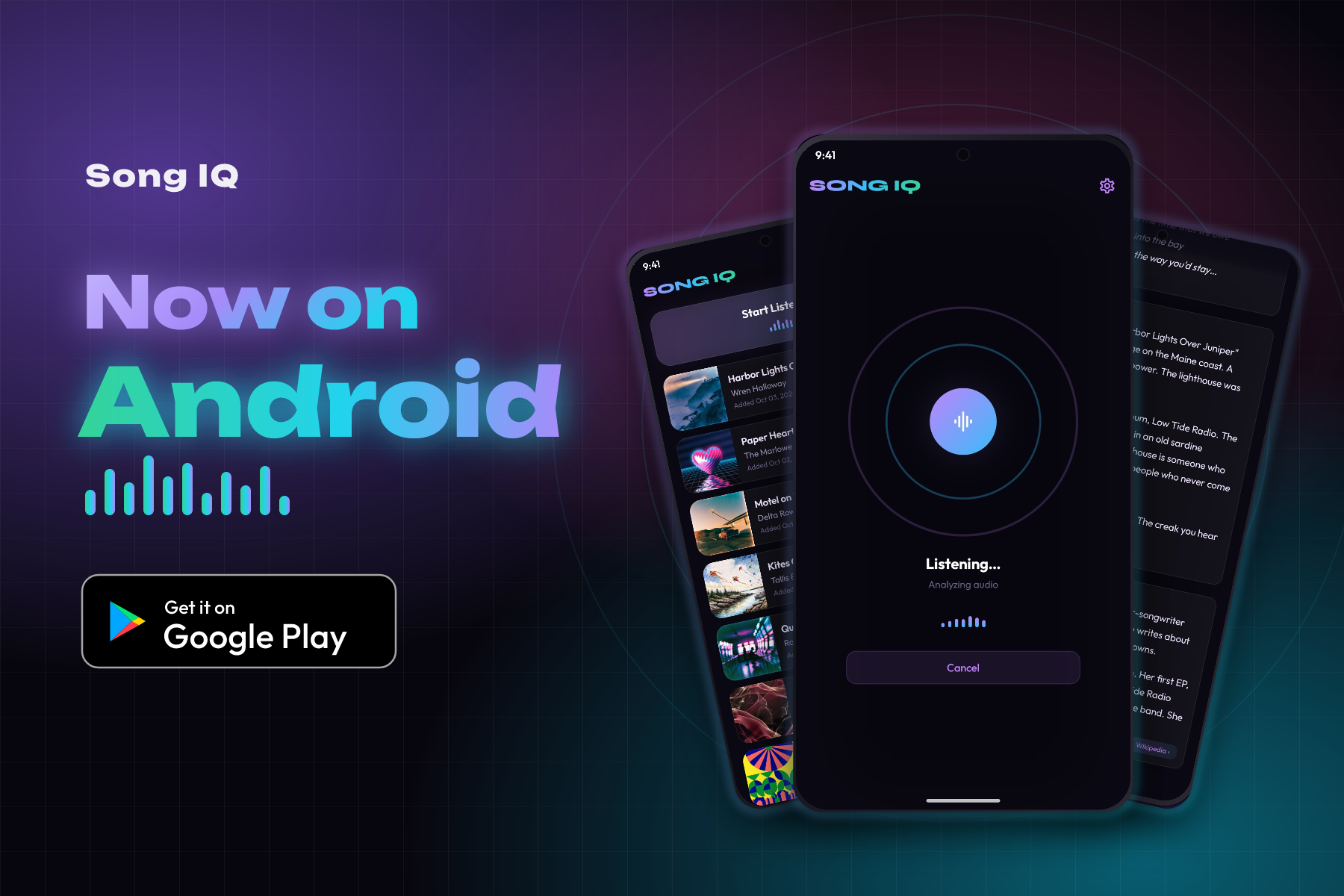
Song IQ started on iPhone. Now it's available on Android, too. It's free on Google Play for phones running Android 13 or newer.
If you hear a song you want to identify, open Song IQ and tap Start Listening. Hold the phone where it can hear the music. The song title and artist usually appear within a few seconds.
How it recognizes a song
Song IQ uses the Shazam recognition engine to find a match. It takes a short sample of the music and creates an audio fingerprint, a small set of details that helps identify the recording.
That fingerprint comes from a picture of the sound called a spectrogram. It shows how the frequencies and volume change over time. The fingerprint captures a pattern of strong peaks in that picture, including how far apart they are. Background noise can add other sounds, but enough of the pattern often remains to recognize the song.
There are limits. Humming a tune won't work. A live performance usually does not match the studio recording either.
After you find a song
Every song you find is saved in a history list on the phone. You can come back to it later without having to remember the name.
Tap a song to see its artwork, album, release year, and genres. You can play a 30-second preview from the song page.
Android shortcuts
You can add Song IQ to Quick Settings, the panel you pull down from the top of the screen. Tap the tile to start listening without looking for the app icon.
There's also an option in Settings to start listening as soon as you open the app.
Song IQ Pro
Song IQ is free to use. Song IQ Pro is a one-time $2.99 purchase through Google Play, with no subscription.
Pro adds lyrics, the story behind the song, and information about the artist. It also shows how popular the song is and includes links to open it in Tidal, Spotify, or Qobuz.
If you've already bought Pro on iPhone, that purchase won't transfer to Android. Purchases stay with the store where you bought them.
Get the app
Search for Song IQ on Google Play, or tap the Google Play badge on the Song IQ home page. After installing, allow microphone access when the app asks. Tap Start Listening when there's music playing nearby.
Send questions or bug reports to support@songiq.co.